 november-vscode
👋 November
A dark VS Code theme with warm amber accents, calm and easy on the eyes.
📖 What November is
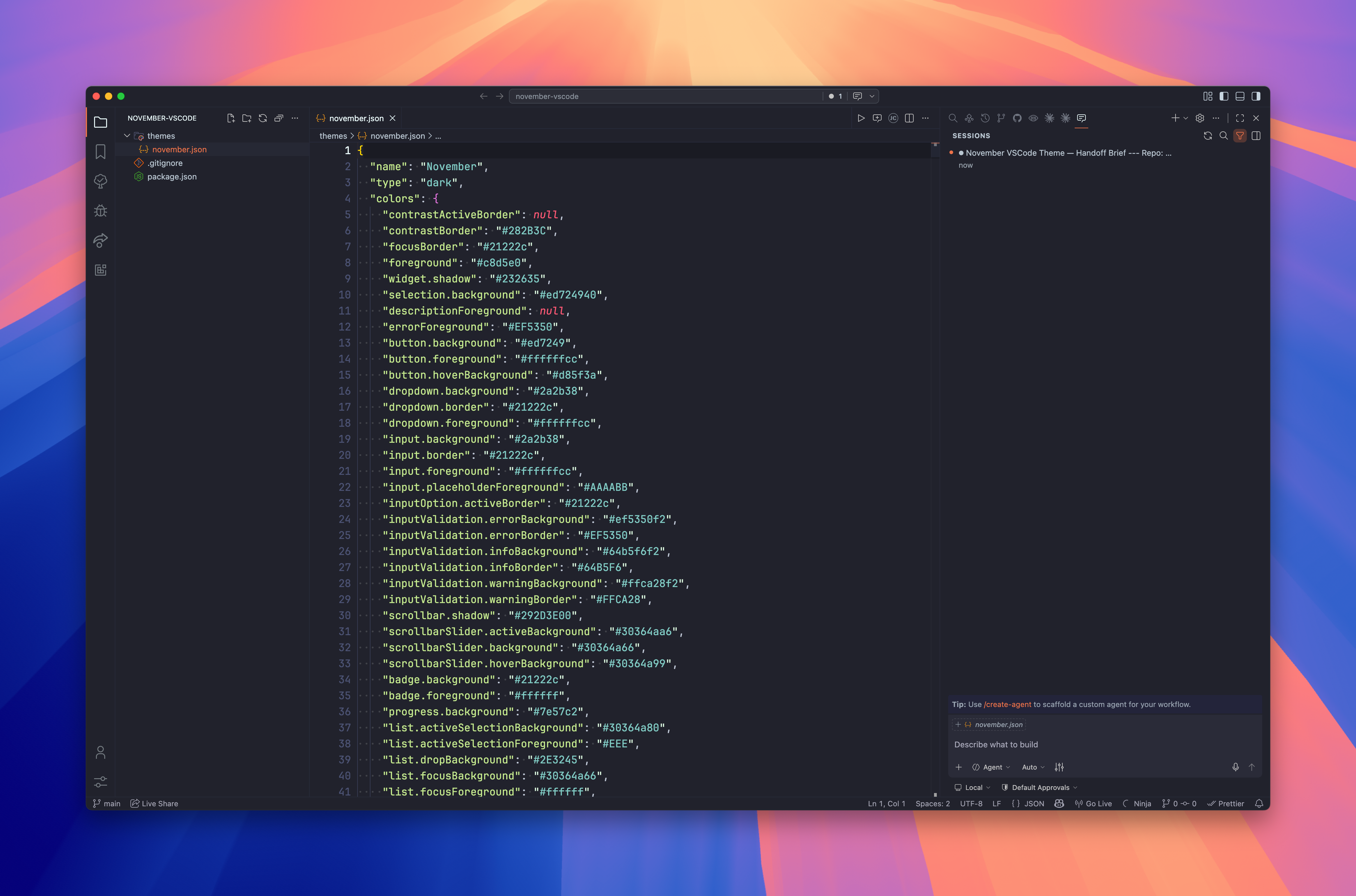
November is a dark colour theme for Visual Studio Code. It pairs a deep slate background with warm amber accents to stay calm and focused while keeping syntax highlighting legible. The palette draws on a palenight-style base, tinted towards amber for cursors, selections, and highlights.
🙋 Who it's for
It suits anyone who spends long sessions in the editor and wants a low-contrast, warm dark theme that is easy on the eyes without washing out syntax colours.
🌗 Variants
November ships a single theme:
| Label | UI theme | Path |
|---|---|---|
| November | vs-dark | ./themes/november.json |
📸 Screenshot
📦 Install
Via Marketplace
- Open VS Code.
- Press
Cmd+Shift+Xand search for November. - Install, then press
Cmd+Shift+Pand choose Preferences: Color Theme → November.
Via CLI
code --install-extension kud.november-vscode