
Features
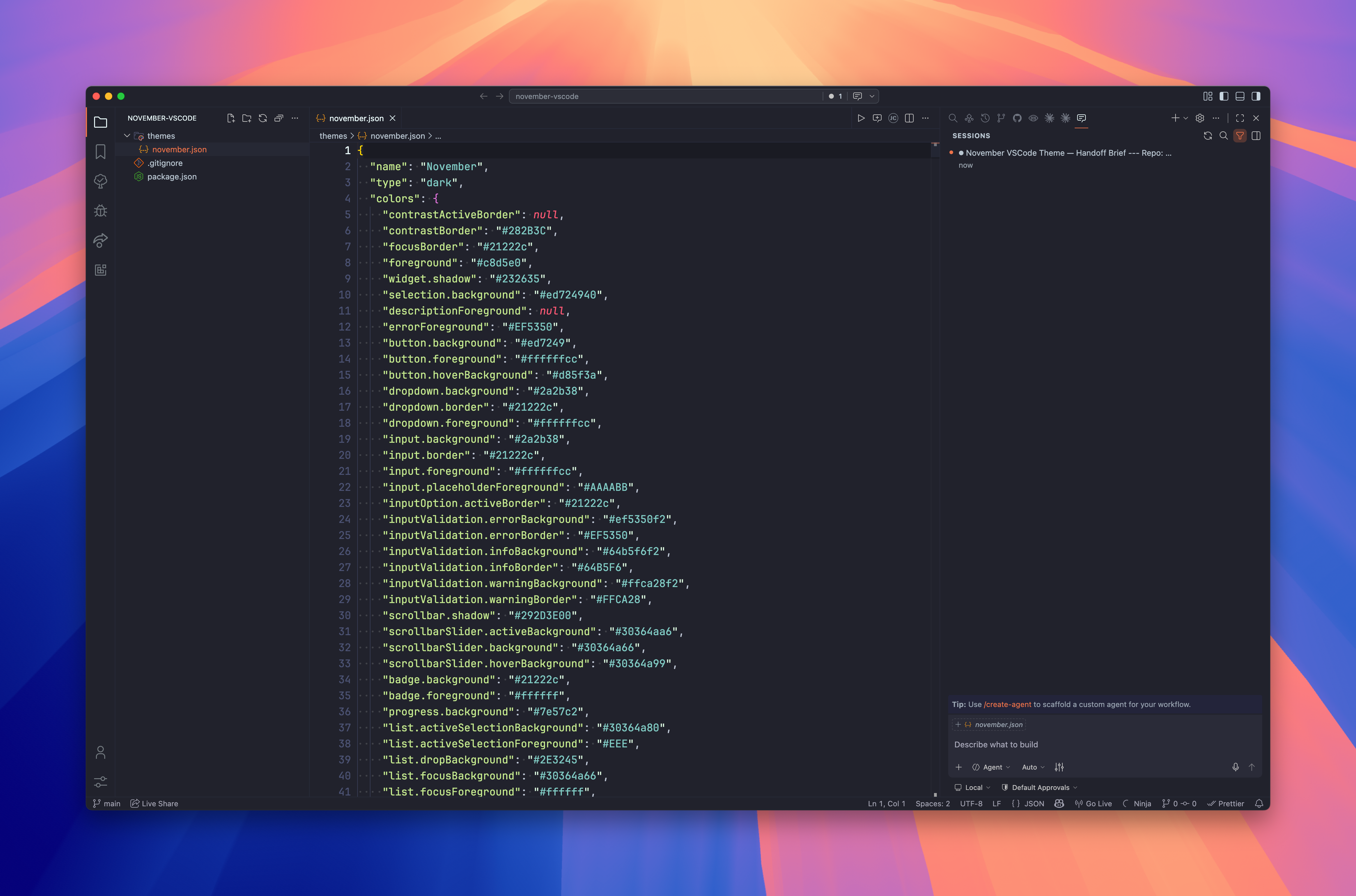
- Warm amber accents — a signature amber palette that keeps highlights visible without eye strain
- Deep slate background — a rich, near-neutral dark base that reduces glare during long sessions
- Single focused variant — one well-tuned
vs-darktheme rather than a sprawling set of half-finished alternatives - Consistent syntax — carefully mapped token colours across JavaScript, TypeScript, HTML, CSS, and more
- Soft UI chrome — activity bar, sidebar, and panel tones chosen to recede and let code take centre stage
Install
Via Marketplace — open the Extensions view (Cmd+Shift+X), search November, and click Install.
Via CLI
code --install-extension kud.november-vscodeUsage
After installing, open the Command Palette (Cmd+Shift+P), run Preferences: Color Theme, and select November.