👋 Introduction
Explore the models.dev LLM catalogue from your terminal — fuzzy search, a rich split-pane TUI, and copy-to-clipboard model IDs.
models-dev CLI brings the models.dev catalogue into your terminal. Fetch the live list of LLMs, fuzzy-search across providers and model IDs, inspect costs, limits, and capabilities in a colourful split-pane TUI, and copy any model ID to your clipboard with a single keypress.
Prefer scripting? The same data is one flag away as a JSON or table output.
✨ Features
- Blazing-fast fuzzy search — search across model name and id with Fuse.
- Rich split-pane TUI — a list view alongside a detail panel grouping Capabilities, Modalities, Costs, Limits, and Meta, with colour badges for quick scanning.
- Filters — narrow by provider, tool-calling, and reasoning capability.
- Copy-to-clipboard — grab the current model id with a single keypress.
- Script-friendly output — emit raw JSON or a compact line format for pipelines, or a non-interactive table for quick browsing.
- Safe terminal handling — auto-detects iTerm2 and works around Setulc/terminfo issues that crash other tools.
📦 Install
# one-shot
npx -p @kud/models-dev-cli models-dev

# or install globally
npm i -g @kud/models-dev-cli
models-dev   # alias: mdl
The CLI fetches the live catalogue and opens a split-pane TUI by default. Prefer
a non-interactive table? Use the flags in CLI Usage
or pass --ui table.
🖼️ Preview
Interactive TUI – split-pane with detailed model info, costs, limits and
meta.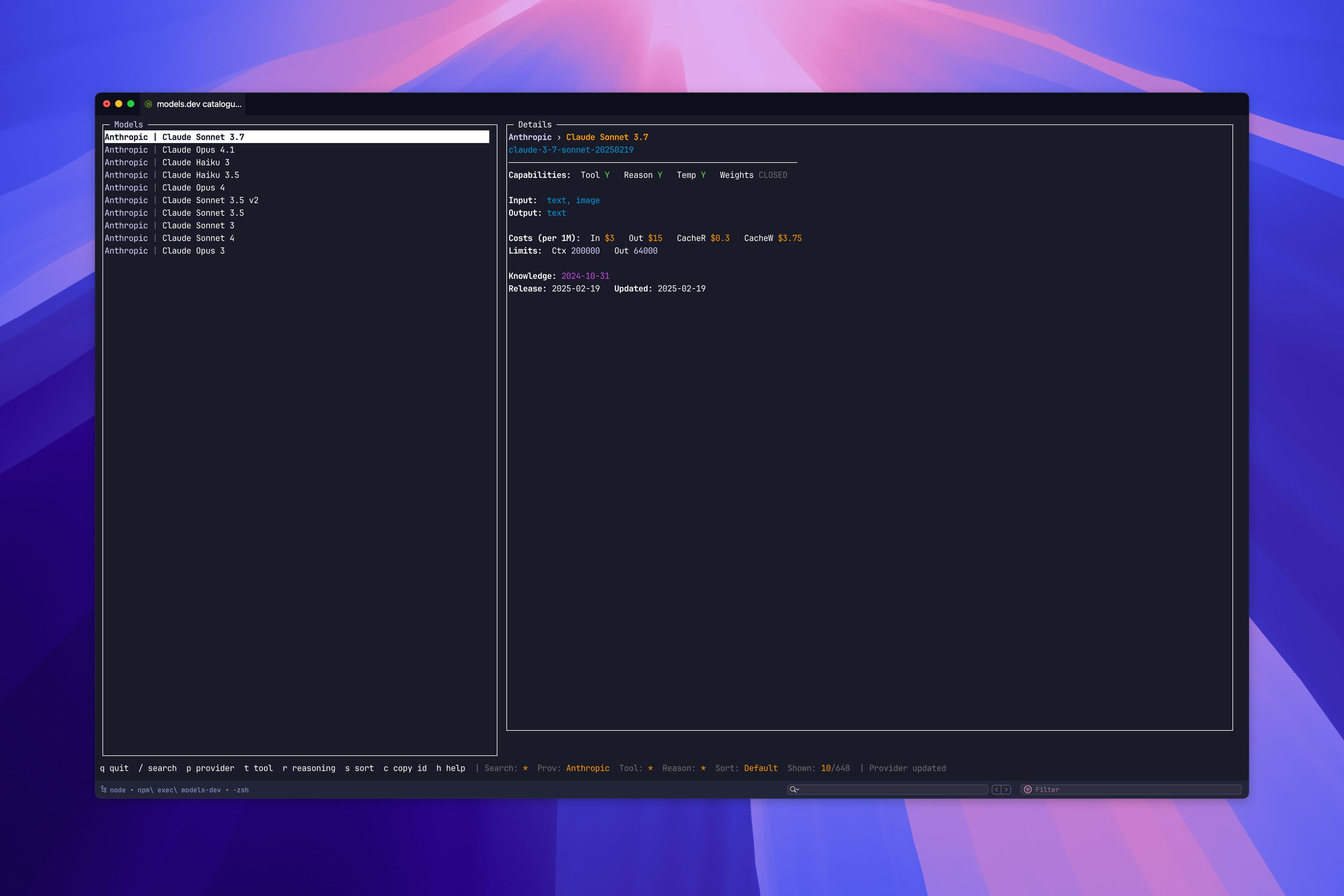
Head to Interactive TUI to learn the keybindings, or CLI Usage for the non-interactive flags.