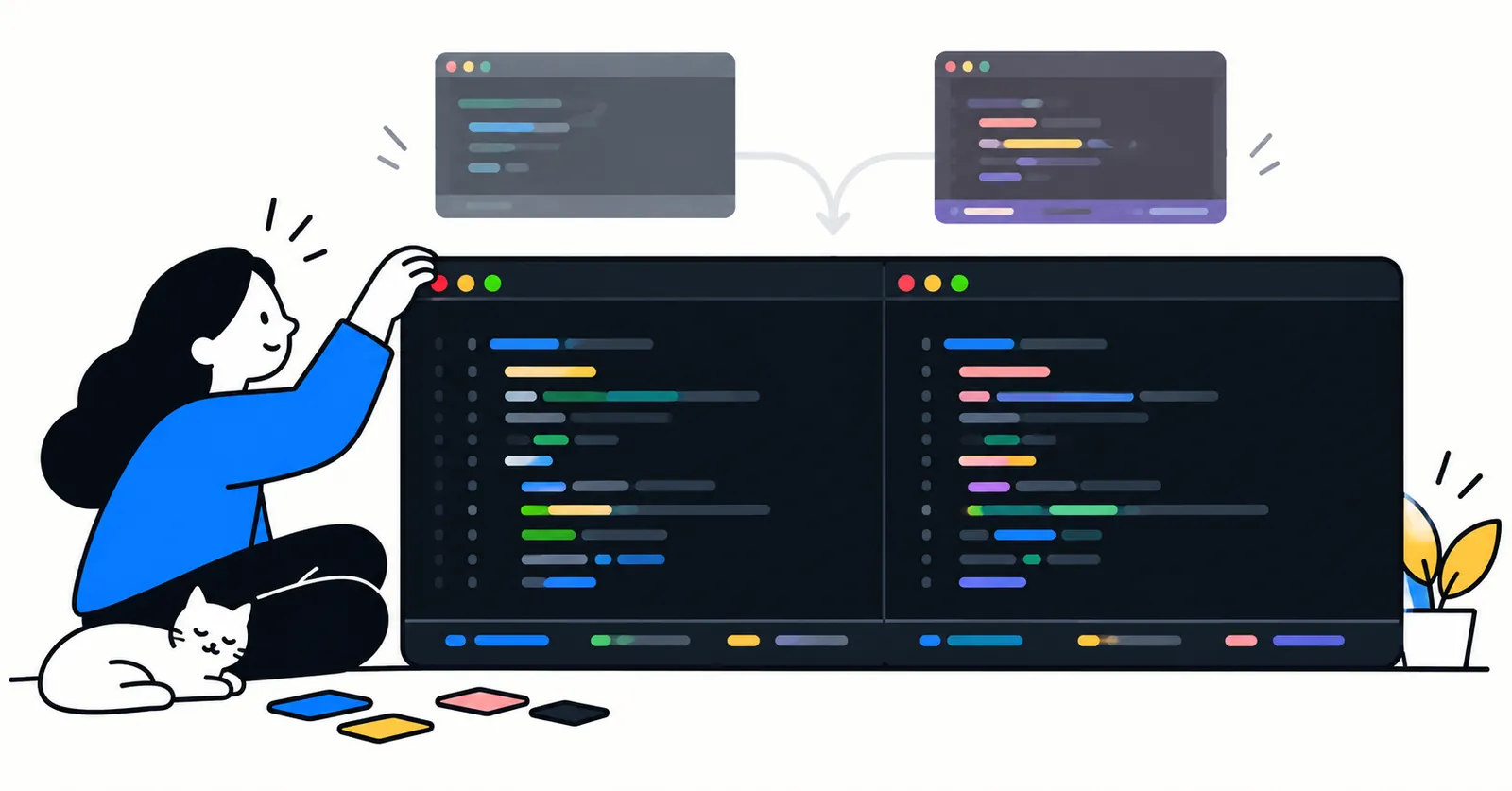
Making opencode look like the rest of my terminal
For a long time opencode was the tool I opened now and then, and stock tokyonight was fine for that. Claude Code was where I spent my days, and it had long since been bent into shape: my colours, a statusline I read without thinking.
Then opencode crept into more of my week. What changed was the models: opencode lets me use my GitHub Copilot subscription, and it has free ones too, Nemotron and Muse mostly, which I reach for on my open source projects. Soon it sat in the split pane next to Claude Code for most of the day, on its own background, with a different layout of the same facts. Every glance across meant reading a second interface.
So I set out to make opencode look like my terminal. The theme was the easy part, and the only one the docs cover. Everything after it went through a plugin API that I found in the package's type definitions, not in the documentation.
Everything here is against opencode 1.18.33. The TUI is being rewritten on a separate v2 branch, so expect some of this to move.
A theme that lets the terminal show through
A custom theme is a JSON file in ~/.config/opencode/themes/, selected by its file name in tui.json. The file has two halves: defs, a palette of named colours, and theme, which maps each of opencode's roles to one of them.
The one setting that made the biggest difference: any colour can be none, which means "use the terminal's own". Setting the background to none makes opencode transparent, so it sits on exactly the same background as the shell next to it, whatever that is.
{
  "$schema": "https://opencode.ai/theme.json",
  "defs": {
    "orange": "#ff8700",
    "amber": "#ff9e00",
    "ink": "#e4e4ec",
    "panel": "#20212e"
  },
  "theme": {
    "primary": "orange",
    "warning": "amber",
    "text": "ink",
    "background": "none",
    "backgroundPanel": "panel"
  }
}
The real file maps about sixty roles. I took the accents from my terminal profile and the syntax colours from the VS Code theme I use every day, so code looks the same in both.
A few things I only learned by trying:
-
Panels still need a tint. With
backgroundPanelalso atnone, tool output and the input box lose their edges. A colour a few steps above the terminal background keeps them readable without looking like a separate window. -
The bar left of the prompt is the agent's colour, not a theme role. It lives in the main config,
agent.build.color, and accepts a theme role name likeprimary, so it follows the theme. -
markdownCodeBlock** is declared but never drawn with**, at least in 1.18.33. I changed it twice before reading the renderer and finding nothing uses it.
The part the docs don't cover: TUI plugins
The plugin docs describe server plugins: hooks on tools and events. The interface itself looks closed. But tui.json accepts a plugin key, and @opencode-ai/plugin ships a ./tui export whose types describe plugins that render their own components into named slots of the interface.
The slots in 1.18.33:
| Slot | Where |
|---|---|
app_bottom | a full-width line at the very bottom |
session_prompt, home_prompt | the prompt itself |
session_prompt_right, home_prompt_right | beside the model name under the prompt |
sidebar_title, sidebar_content, sidebar_footer | the session sidebar |
home_logo, home_bottom, home_footer | the start screen |
A plugin reads live state through the same API: the git branch, the working directory, each session's messages (so tokens, cost and model), todos, pending permissions, MCP and LSP status, and the active theme's colours.
Other people found this before me: searching npm for opencode tui plugin turns up dozens, mostly sidebars showing one provider's quota. Local files work too: an absolute path in plugin loads a .ts file as it is, with no build step.
Two traps before writing one:
-
Keep it out of
~/.config/opencode/plugin/andplugins/. opencode loads every file in those folders as a server plugin, and hands your TUI plugin the wrong API. I keep mine in~/.config/opencode/tui/. -
Skip JSX. The components are SolidJS, and a local file gets no JSX transform.
createComponentfromsolid-jsandcreateElementfrom@opentui/soliddo the same job in plain TypeScript, and opencode provides both modules to plugins, so there's nothing to install.
My Claude Code statusline, in opencode
I didn't write the statusline from scratch. @opencode-cockpit/status draws a configurable line into app_bottom, and accepts TypeScript modules for custom segments. A segment gets a snapshot of the session and returns coloured text runs:
import type {
  CustomModule,
  StatusContext,
} from "@opencode-cockpit/status/segment"

const branch = (ctx: StatusContext) =>
  ctx.branch
    ? { runs: [{ text: `⎇  ${ctx.branch}`, color: "#80d440" }] }
    : undefined

export default { segments: { branch } } satisfies CustomModule
Mine redraws the Claude Code line part for part: the path with its parent folders in pink and the last folder in blue, the branch, the provider, the model. Same glyphs, same colours, so the two panes read alike. On the right edge sits the session's title, behind an orange ✦.

Cockpit has no right alignment. What it does give a segment is ctx.width, so my module draws the whole row as one segment: the left parts, then enough spaces to push the title to the edge. The catch is that it then has to decide itself what to drop on a narrow pane: the title shortens first, then provider, model and branch go, and the path always stays.
The config goes in tui.json, where the plugin entry takes an options object:
{
  "plugin": [
    [
      "@opencode-cockpit/status@0.7.1",
      {
        "statusline": {
          "modules": ["~/.config/opencode-cockpit/statusline.ts"],
          "lines": [{ "surface": "bottom", "segments": ["line"] }]
        }
      }
    ]
  ],
  "plugin_enabled": {
    "internal:sidebar-context": false,
    "internal:sidebar-footer": false
  }
}
Two details in there:
-
The version is pinned. A TUI plugin runs inside opencode with everything opencode can reach. This one was 11 days old with a single maintainer, so I take new releases on purpose rather than on launch.
-
plugin_enabled** switches off opencode's own sidebar blocks.** Each block is an internal plugin with a name, and these two repeated what the statusline or the prompt already showed. Without them, no figure appears twice.
One row under the prompt
opencode prints the working directory under the prompt, a row above a statusline that now starts with it. There's no setting, but reading the source showed why: the path is the prompt's fallback when no hint is passed. And the prompt sits in a slot mounted with mode="replace", so a plugin can redraw the stock prompt with every prop passed straight through, plus a hint of its own:
import type { TuiPlugin, TuiPluginModule } from "@opencode-ai/plugin/tui"
import { createElement } from "@opentui/solid"
import { createComponent } from "solid-js"

const tui: TuiPlugin = async (api) => {
  api.slots.register({
    slots: {
      session_prompt: (_ctx, props) =>
        createComponent(api.ui.Prompt, {
          get sessionID() {
            return props.session_id
          },
          get visible() {
            return props.visible
          },
          get disabled() {
            return props.disabled
          },
          onSubmit: () => props.on_submit?.(),
          ref: (ref) => props.ref?.(ref),
          get hint() {
            return createElement("text")
          },
          get right() {
            return createComponent(api.ui.Slot, {
              name: "session_prompt_right",
              session_id: props.session_id,
            })
          },
        }),
    },
  })
}

export default { id: "prompt-without-path", tui } satisfies TuiPluginModule
My first version passed hint: false, which hid the path and introduced a bug I only saw later. That row pushes its two halves to opposite ends. With nothing on the left, the token count slid to the left edge while idle, then jumped back right whenever a reply started and the spinner filled the left. An empty text element is what opencode itself draws when there's no session: invisible, but it holds the space.
Shell scripts with no colour
The last thing I noticed: every shell script opencode wrote or showed came out as plain white text, strings and comments included. It turned out to be an opencode bug. It maps .sh, .bash and .zsh files to a filetype called shellscript, but registers its Bash grammar as bash, with nothing linking the two. Upstream has fixed it on the v2 branch only.
opencode highlights through tree-sitter, via @opentui/core, and plugins share its parser client. So a plugin can register the Bash grammar a second time, under the name the file mapping asks for:
import { addDefaultParsers, getTreeSitterClient } from "@opentui/core"

const parser = {
  filetype: "shellscript",
  aliases: ["sh", "ksh"],
  wasm: "https://github.com/tree-sitter/tree-sitter-bash/releases/download/v0.25.0/tree-sitter-bash.wasm",
  queries: { highlights: ["<path or URL to highlights.scm>"] },
}

addDefaultParsers([parser])
const client = getTreeSitterClient()
void client
  .initialize()
  .then(() => client.addFiletypeParser(parser))
  .catch(() => {})
It registers twice on purpose: addDefaultParsers covers a client that hasn't started, addFiletypeParser one that has.
That brought colour back, but commands, the first word on each line, stayed plain. Getting them coloured taught me two things about how opentui resolves styles, neither of them documented:
-
opencode colours function calls like variables. Its rules put
function.call, the tag the standard Bash highlights give a command, in the variable colour. No theme key separates the two. -
When two tags overlap, the longer name wins. Styles are applied in order of how many dot-separated parts the tag has. That matters because opentui ignores
#lua-match?predicates, so the Bash rule meant for numbers tags every word asnumber.function.callbeatsnumber; plainfunctionloses to it, which is how my first attempt turned every command coral.
So I keep a copy of the highlights file with one line changed: commands are tagged @attribute.builtin. Nothing defines a style for that exact name, so it falls back to attribute, which opencode draws in the theme's warning colour, the same orange as its Thought labels. The name says nothing about what a command is; it's there for the colour alone, and a comment at the top of the file says so. The same copy is registered for bash too, because a zsh fenced block in a reply resolves to bash, and I wanted shell in a message and shell in a file to look the same.
To check the change without restarting opencode each time, I ran opentui's highlighter directly with Bun. highlightOnce(source, filetype) returns every tag it assigns, and treeSitterToTextChunks resolves those tags to the final colours. That's how I found the number tag on every word, and how I confirmed commands came out in the Thought orange.
What I'd tell myself at the start
-
The theme docs cover themes well; the plugin docs stop short of the TUI. The types in
@opencode-ai/plugin/dist/tui.d.tsare the real reference. -
When the types aren't enough, read opencode's source at the tag you run. Every workaround here started there: the prompt's hint fallback, the filetype map, the style rules.
-
Keep local plugins small and single-purpose, each with a comment saying which opencode behaviour it works around and when it can go. When a release fixes something, deleting the plugin should be the whole upgrade.
Caveats
-
The
v2TUI will change the slots and the plugin API, and should make the shell fix unnecessary. -
The statusline is a third-party plugin running inside opencode. Pin it and read its releases before upgrading.
-
The shell-highlighting fix depends on opentui internals (tag specificity, predicate support) that are not a public contract. If a release changes them, commands just go back to plain text.