
Features
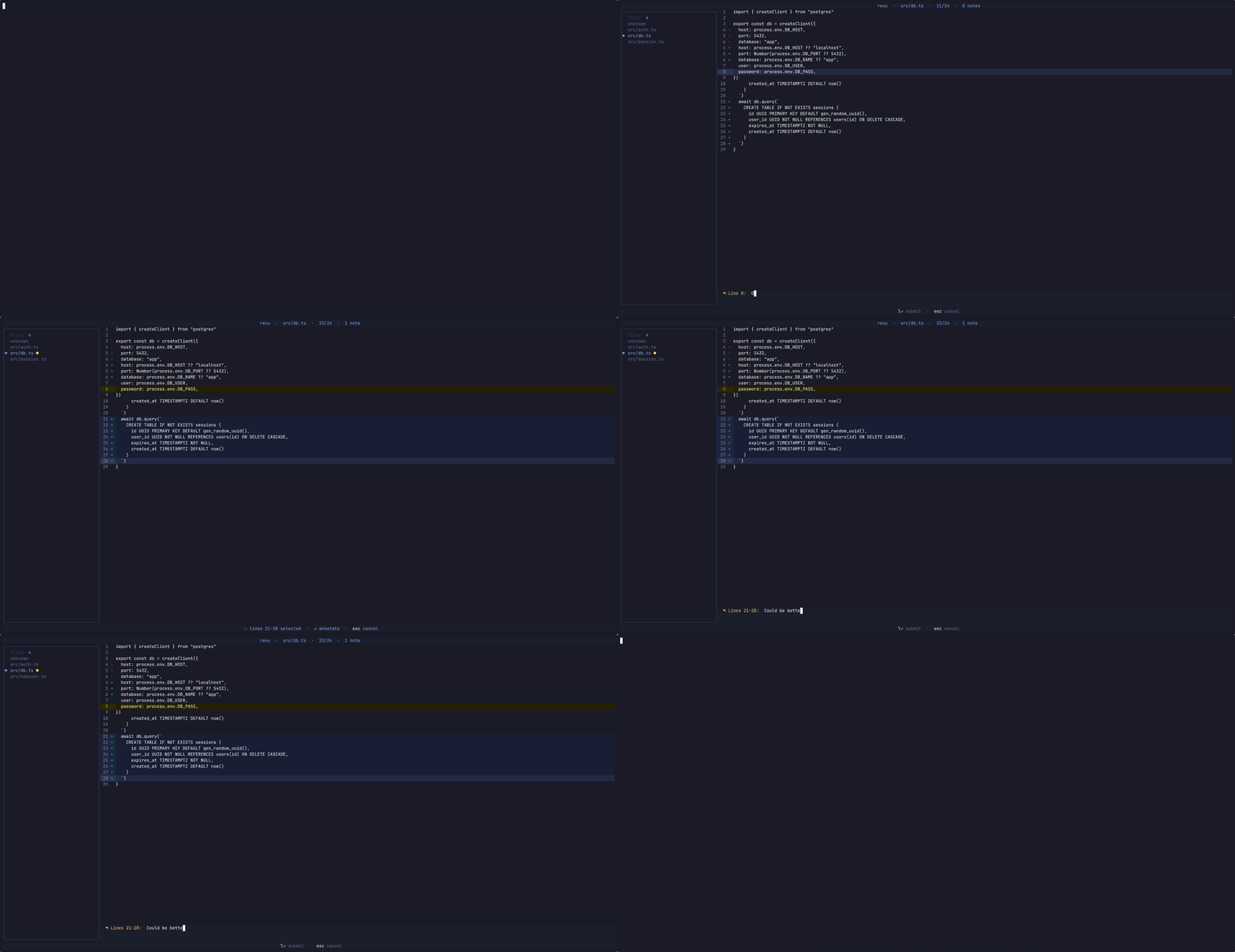
- Line and range annotations — comment on a single line or select a range and annotate the whole block.
- Hunk and file navigation — jump between hunks, annotations, and files without leaving the keyboard.
- PR mode — review every commit between a branch and
HEADwith--against. - Markdown export — export annotations to
revu-review.md, with an optional AI context header, by pressinge. - Persistent reviews — annotations autosave to
.revu.jsonand survive across sessions. - Themeable — switch theme and view mode from an in-app settings panel, saved to your user config.
Install
npm install -g @kud/revu-cliUsage
$ revu                  # review staged/unstaged changes in the current repo
$ revu src/foo.ts       # review a specific file
$ revu --against main   # review all commits between a branch and HEAD (PR mode)
Inside the reviewer, move with ↑↓ / j k, press ↵ to annotate a line, hold shift to select a range, and e to export to revu-review.md.